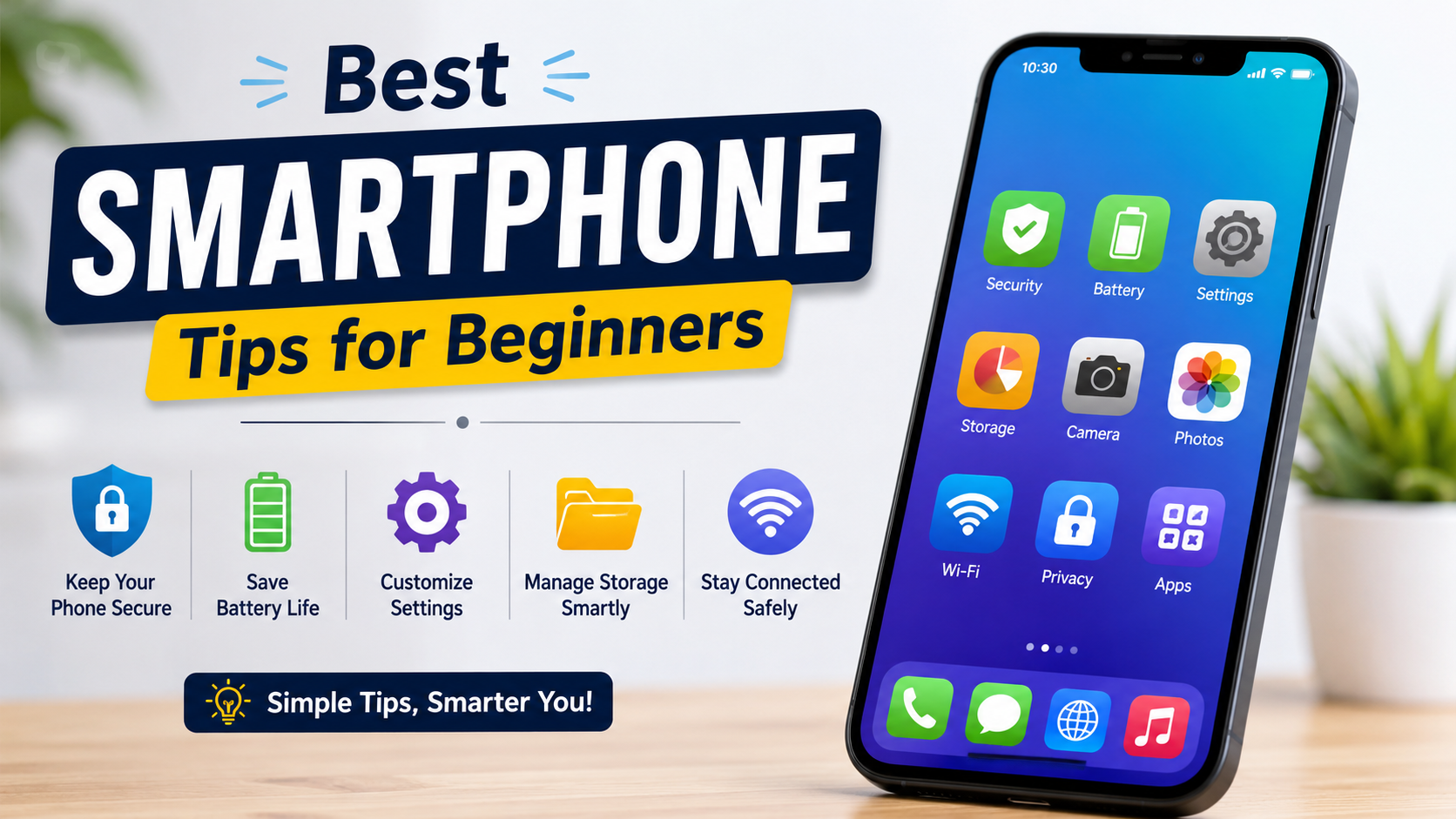
Discover the best smartphone tips for beginners in 2026. Learn essential Android and iPhone tips, security features, battery-saving tricks, storage management, and useful settings to get the most from your smartphone.
Buying your first smartphone can be exciting, but it can also feel overwhelming because modern devices come with hundreds of features and settings. Whether you have an Android phone or an iPhone, learning a few basic tips can help you use your device more confidently and efficiently.
From setting up security features to managing storage and improving battery life, these beginner-friendly smartphone tips will help you get started while keeping your device safe and running smoothly.
Set Up Your Smartphone Properly
The first step after purchasing a smartphone is completing the initial setup.
Make sure you:
- Connect to Wi-Fi.
- Sign in to your Google or Apple account.
- Set the correct date and time.
- Restore your previous data if needed.
- Install available software updates.
A proper setup ensures your phone is ready for daily use.
Protect Your Phone with a Screen Lock
Your smartphone contains personal information such as photos, contacts, emails, and banking apps.
Choose a secure lock method, including:
- Fingerprint unlock
- Face recognition
- PIN
- Password
Avoid using simple PINs like 1234 or 0000.
Keep Your Phone Updated
Software updates improve both performance and security.
Regular updates provide:
- Security patches
- Bug fixes
- New features
- Better battery optimisation
- Improved app compatibility
Enable automatic updates whenever possible.
Learn Basic Gestures
Most modern smartphones use gesture navigation.
Common gestures include:
- Swipe up to return to the Home screen.
- Swipe from the side to go back.
- Swipe down to open notifications.
- Swipe twice to access Quick Settings.
Learning these gestures makes navigation faster.
Install Apps from Trusted Sources
Only download applications from official app stores.
These include:
- Google Play Store
- Apple App Store
Before installing any app:
- Read reviews.
- Check ratings.
- Verify the developer.
- Review requested permissions.
Avoid downloading apps from unknown websites.
Organise Your Home Screen
A clean home screen makes your phone easier to use.
Try these ideas:
- Group similar apps into folders.
- Keep frequently used apps on the first screen.
- Remove unused widgets.
- Delete unnecessary shortcuts.
An organised layout improves productivity.
Save Battery Life
Battery life is important for every smartphone user.
Simple ways to save power include:
- Reduce screen brightness.
- Enable Battery Saver mode.
- Turn off Bluetooth when not in use.
- Disable GPS if unnecessary.
- Close unused apps.
- Use Wi-Fi instead of mobile data when available.
- Enable Dark Mode if supported.
These habits can extend daily battery life.
Manage Storage Space
Running out of storage can slow your phone.
Keep enough free space by:
- Deleting unused apps.
- Removing duplicate photos.
- Clearing downloaded files.
- Backing up photos to cloud storage.
- Emptying the recycle bin.
- Clearing unnecessary cache files.
Regular storage management improves performance.
Back Up Your Data
Accidents happen, and devices can be lost or damaged.
Enable automatic backups for:
- Contacts
- Photos
- Videos
- Messages
- App data
- Device settings
Cloud backups make restoring your information much easier.
Learn Notification Management
Too many notifications can become distracting.
Manage them by:
- Turning off unnecessary alerts.
- Prioritising important apps.
- Using Do Not Disturb mode.
- Organising notification categories.
This helps reduce interruptions throughout the day.
Use Voice Assistants
Most smartphones include built-in voice assistants.
You can use them to:
- Set reminders.
- Make phone calls.
- Send messages.
- Search the web.
- Play music.
- Check the weather.
- Open applications.
Voice commands save time and improve convenience.
Keep Your Phone Clean
Cleaning your device helps maintain both appearance and functionality.
Remember to:
- Wipe the screen with a microfiber cloth.
- Clean charging ports carefully.
- Use a protective case.
- Apply a screen protector.
- Avoid exposing the phone to excessive heat or moisture.
Proper care can extend your phone’s lifespan.
Learn Basic Camera Features
Modern smartphones include excellent cameras.
Explore features such as:
- Portrait mode
- Night mode
- Panorama
- Video recording
- HDR
- Timer
- Grid lines
Understanding these options helps you capture better photos.
Use Find My Device Features
Both Android and iPhone include tools to help locate lost devices.
These services allow you to:
- Locate your phone.
- Play a sound.
- Lock the device remotely.
- Display a contact message.
- Erase personal data if necessary.
Enable these features before you need them.
Protect Your Privacy
Take time to review privacy settings.
Check app permissions for:
- Camera
- Microphone
- Location
- Contacts
- Photos
- Files
Only grant permissions that are necessary for the app to function.
Common Beginner Mistakes
Avoid these common mistakes:
- Ignoring software updates.
- Installing apps from unknown websites.
- Never backing up important data.
- Allowing every app permission.
- Keeping storage almost full.
- Using weak passwords.
- Charging with poor-quality accessories.
- Never restarting the phone.
Sources
- https://support.google.com/android
- https://support.apple.com/iphone
- https://support.google.com/googleplay
- https://support.apple.com
- https://www.android.com
Conclusion
Learning the basics of smartphone usage can make your device safer, faster, and more enjoyable to use. By setting up proper security, keeping software updated, managing storage, protecting your privacy, and exploring built-in features, beginners can quickly become confident smartphone users.
These simple habits not only improve your everyday experience but also help your smartphone remain reliable for years to come.
Frequently Asked Questions (FAQs)
1. What should I do first after buying a smartphone?
Complete the initial setup, connect to Wi-Fi, sign in to your account, install updates, and enable a secure screen lock.
2. How can I make my smartphone battery last longer?
Reduce screen brightness, enable Battery Saver, turn off unused wireless features, and close unnecessary background apps.
3. Is it safe to download apps from websites?
It is safest to download apps only from the Google Play Store or Apple App Store.
4. Why should I back up my phone?
Backups protect your photos, contacts, messages, and other important data if your device is lost, damaged, or replaced.
5. How often should I update my smartphone?
Install updates whenever they become available to receive the latest security improvements and bug fixes.
6. What is the best screen lock method?
Fingerprint recognition, Face ID or Face Unlock, and a strong PIN or password provide good security.
7. Why is my phone running slowly?
Low storage space, outdated software, too many background apps, or ageing hardware are common causes.
8. How can I protect my personal information on a smartphone?
Use a secure screen lock, enable backups, keep your software updated, review app permissions regularly, and avoid installing apps from untrusted sources.