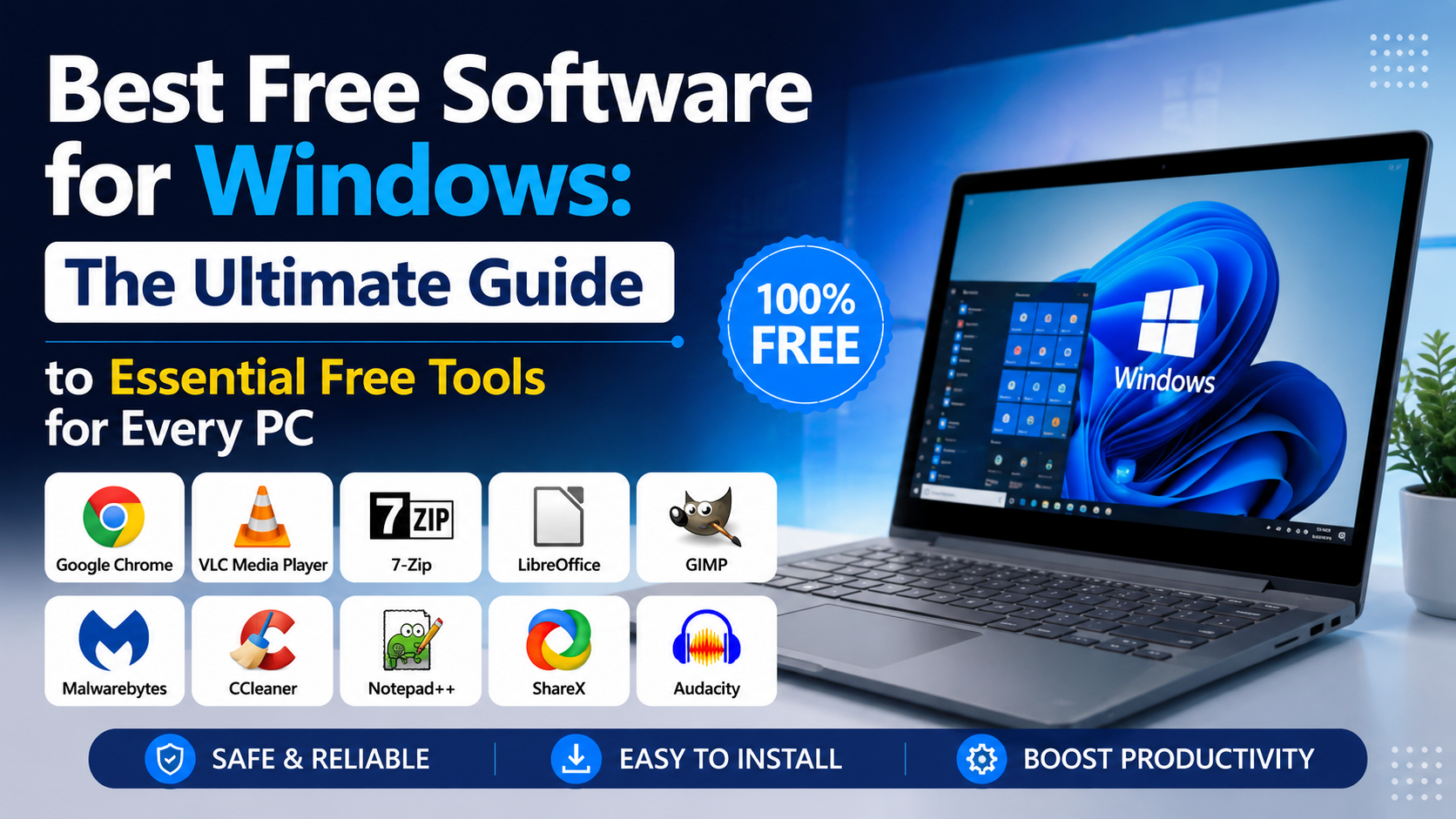
Discover the best free software for Windows in 2026. Explore the top free tools for security, productivity, multimedia, file management, and system optimization in this complete guide.
Windows remains the most popular desktop operating system in the world. Whether you’re a student, gamer, content creator, programmer, or office worker, your computer becomes significantly more useful when you install the right software.
Many people believe they must purchase expensive programs to improve their Windows experience. Fortunately, that’s no longer true.
Thousands of excellent applications are available completely free of charge. These programs can help you edit videos, manage passwords, compress files, improve productivity, create documents, play media files, capture screenshots, and protect your system.
However, choosing the right software can be challenging because thousands of applications claim to be “free.” Some include advertisements, while others offer only limited trial versions.
This guide highlights the best free software for Windows that provides real value without requiring expensive subscriptions.
Why Free Software Is Better Than Ever
Free software has improved dramatically over the last few years.
Modern free applications offer:
- Better security
- Faster performance
- Cross-platform compatibility
- Regular updates
- Open-source development
- Cloud synchronization
- Professional-level features
Many popular free applications are now powerful enough to replace expensive alternatives.
Benefits of using free software include:
Cost Savings
Software subscriptions can become expensive over time. Using free alternatives helps users save money.
Open-Source Development
Many free programs are open-source, meaning developers worldwide contribute to improving them.
Community Support
Popular applications usually have large communities that provide tutorials, troubleshooting guides, and helpful resources.
Frequent Updates
Many free applications receive updates more frequently than paid software.
Best Free Web Browsers
Mozilla Firefox
Firefox remains one of the best browsers for Windows users who prioritize privacy.
Features:
- Excellent privacy protection
- Thousands of extensions
- Fast browsing
- Tracking protection
- Cross-device synchronization
Best For:
Users who want greater control over their online privacy.
Microsoft Edge
Edge has improved significantly in recent years.
Features:
- AI-powered browsing
- Excellent performance
- Vertical tabs
- Built-in PDF reader
- Sleeping tabs for better battery life
Best For:
Windows users who want a browser that integrates perfectly with the operating system.
Google Chrome
Chrome remains one of the most widely used browsers worldwide.
Features:
- Large extension library
- Google account synchronization
- Excellent compatibility
- Fast browsing speed
Best For:
Users who rely heavily on Google’s ecosystem.
Best Free Security Software
Malwarebytes Free
Windows Defender provides excellent protection, but Malwarebytes adds another layer of security.
Features:
- Malware detection
- Spyware removal
- Adware detection
- Manual security scanning
Best For:
Users who want additional protection against malicious software.
Bitwarden
Weak passwords remain one of the biggest security risks.
Bitwarden helps users create and manage strong passwords.
Features:
- Password generation
- Secure storage
- Browser extensions
- Multi-device synchronization
Best For:
Users who struggle to remember multiple passwords.
Best Free Productivity Software
LibreOffice
LibreOffice is one of the best alternatives to Microsoft Office.
Applications Included:
- Writer
- Calc
- Impress
- Draw
- Base
- Math
Advantages:
- Free forever
- Supports Microsoft Office files
- No subscription required
Best For:
Students, teachers, and office workers.
Obsidian
Obsidian has become one of the most popular note-taking applications.
Features:
- Markdown support
- Knowledge management
- Internal linking
- Graph view
- Plugin ecosystem
Best For:
Researchers, writers, and students.
Notepad++
Notepad++ is far more powerful than Windows Notepad.
Features:
- Syntax highlighting
- Multiple tabs
- Plugin support
- Search and replace
Best For:
Developers and advanced users.
Best Free File Compression Software
7-Zip
7-Zip is probably the best free compression tool available.
Supported Formats:
- ZIP
- RAR
- 7Z
- TAR
- GZIP
Features:
- High compression rates
- File encryption
- Lightweight installation
Advantages Over Paid Alternatives:
- No advertisements
- No subscription
- Better compression performance
Best For:
Every Windows user.
Best Free Media Players
VLC Media Player
VLC can play almost every audio and video format.
Supported Formats:
- MP4
- AVI
- MKV
- MP3
- FLAC
Features:
- Subtitle support
- Video conversion
- Audio synchronization
- Media streaming
Best For:
Users who frequently watch movies or listen to music.
MPV
MPV offers excellent video quality and advanced customization.
Features:
- Hardware acceleration
- HDR support
- Lightweight design
Best For:
Advanced users.
Best Free Screenshot and Screen Recording Tools
ShareX
Windows includes a basic screenshot tool, but ShareX provides professional-level features.
Features:
- Full-screen capture
- Region capture
- Screen recording
- GIF creation
- OCR technology
Advantages:
- Open-source
- Completely free
- Extensive customization
Best For:
Content creators and professionals.
OBS Studio
OBS Studio is the industry standard for free video recording and streaming.
Features:
- Screen recording
- Live streaming
- Audio mixing
- Scene management
Best For:
YouTubers, streamers, and educators.
Best Free Password Managers
KeePassXC
KeePassXC is an excellent offline password manager.
Features:
- Local password storage
- Strong encryption
- Open-source development
Best For:
Privacy-conscious users.
Bitwarden
Bitwarden deserves another mention because of its exceptional balance between convenience and security.
Features:
- Cloud synchronization
- Browser integration
- Mobile applications
Best For:
Users who need access to passwords across multiple devices.
Best Free File Search Tools
Everything
Windows Search can sometimes feel slow.
Everything solves this problem.
Features:
- Instant file indexing
- Real-time search
- Lightweight design
Advantages:
- Searches millions of files within seconds.
Best For:
Power users and professionals.
Flow Launcher
Flow Launcher acts like a universal search tool.
Features:
- Quick application launching
- Calculator
- File searching
- Plugin support
Best For:
Users who want faster workflows.
Best Free Photo and Audio Editing Software
GIMP
GIMP is one of the best free alternatives to Adobe Photoshop.
Features:
- Image editing
- Layer support
- Advanced filters
- Plugin ecosystem
Best For:
Graphic designers and photographers.
Krita
Krita focuses primarily on digital art.
Features:
- Brush customization
- Animation tools
- Layer management
Best For:
Artists and illustrators.
Audacity
Audacity remains one of the best free audio editors.
Features:
- Audio recording
- Noise reduction
- Sound effects
- Multi-track editing
Best For:
Podcasters and musicians.
Best Free System Utility Tools
Microsoft PowerToys
PowerToys significantly improves Windows productivity.
Useful Modules:
- FancyZones
- PowerRename
- Text Extractor
- Mouse Utilities
- Keyboard Manager
Best For:
Advanced Windows users.
WinDirStat
Running out of storage space?
WinDirStat visually displays how your storage is being used.
Features:
- Disk analysis
- File visualization
- Storage monitoring
Best For:
Users who need to free disk space.
CrystalDiskInfo
Hard drive failures can happen without warning.
CrystalDiskInfo monitors storage health.
Features:
- Temperature monitoring
- Drive health reports
- S.M.A.R.T. data analysis
Best For:
Users who want to protect their data.
How to Download Free Software Safely
Many cybercriminals create fake download pages that distribute malware.
Follow these safety tips:
Download Only From Official Websites
Avoid third-party download portals.
Keep Software Updated
Outdated applications create security vulnerabilities.
Scan Every Download
Use Windows Defender or Malwarebytes to scan downloaded files.
Avoid Bundled Installers
Always choose custom installation when available.
Create Regular Backups
Use backup software to protect important data.
Sources
https://l1nq.com/wepb09z
https://sl1nk.com/p2nqba2
Conclusion
Free software has reached an incredible level of maturity. You no longer need expensive subscriptions to enjoy powerful applications on Windows.
Essential tools such as VLC, 7-Zip, LibreOffice, PowerToys, Bitwarden, Everything, and ShareX can completely transform your computing experience.
The most important rule is simple: always download software from official sources.
If you’re setting up a new computer today, start with these tools first:
- VLC
- 7-Zip
- Bitwarden
- LibreOffice
- PowerToys
- ShareX
- Everything
These applications will make your Windows PC faster, safer, and far more productive without costing you anything.
Frequently Asked Questions (FAQs)
1. What is the best free software for Windows?
Some of the best free Windows applications include VLC, 7-Zip, LibreOffice, Bitwarden, PowerToys, and ShareX.
2. Is free software safe?
Yes. Free software is safe when downloaded from official developer websites.
3. Which free software should I install on a new Windows PC?
Install a browser, a password manager, a media player, a file compression tool, and a productivity suite first.
4. Can free software replace paid software?
In many cases, yes. Applications such as LibreOffice, GIMP, and Audacity can replace expensive alternatives.
5. Do these applications work on Windows 10 and Windows 11?
Yes. Most of the software mentioned in this guide supports both Windows 10 and Windows 11.