
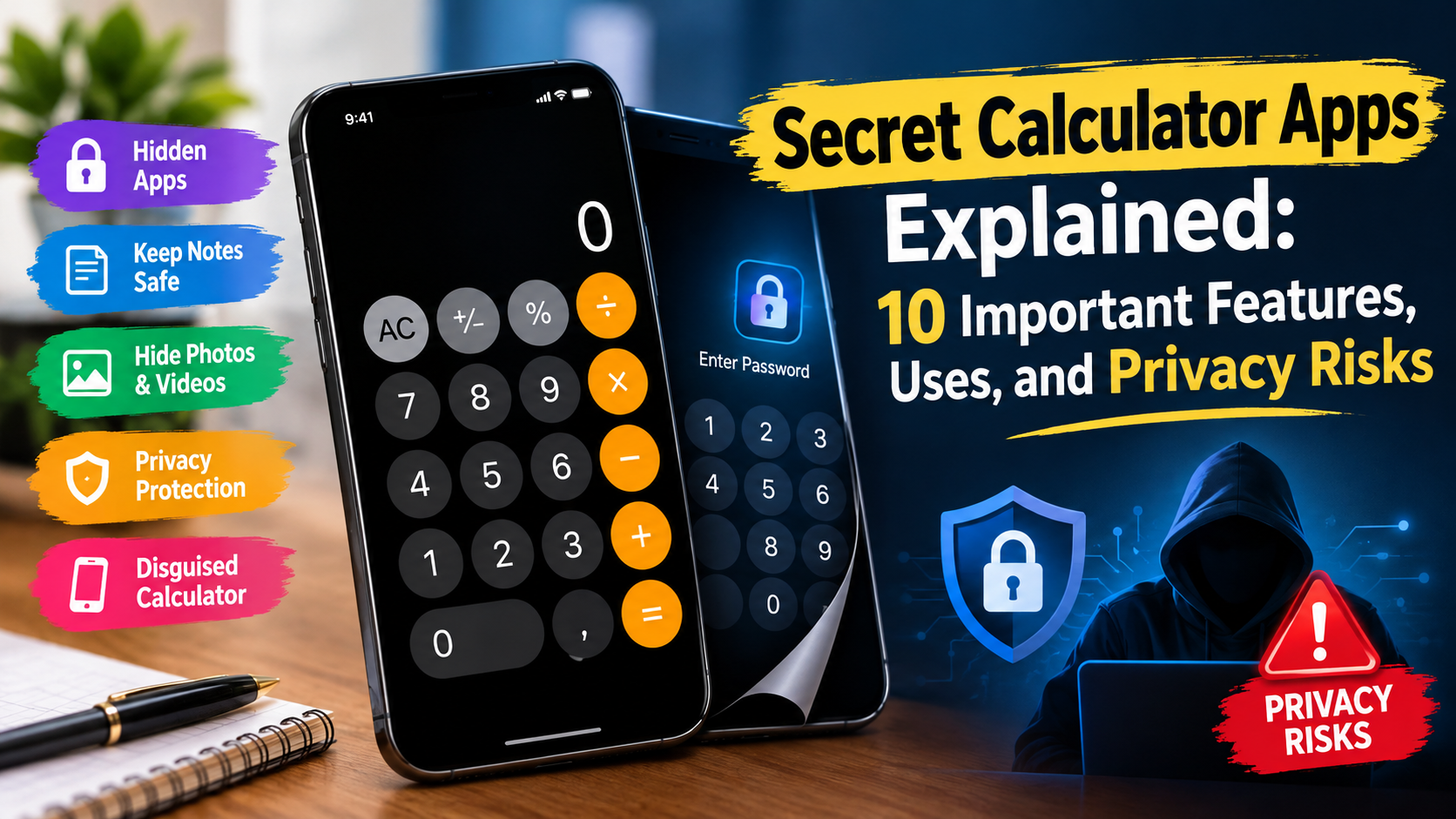
Discover how secret calculator apps work, their hidden features, common uses, privacy risks, and safety tips to protect your personal information on smartphones.
Smartphones have become an essential part of everyday life. People use them to store photographs, personal documents, videos, messages, financial information, and other private data. As smartphone usage increases, many users are looking for ways to protect sensitive information from unwanted access. One category of applications designed for this purpose is known as secret calculator apps.
Secret calculator apps are mobile applications that look like ordinary calculators but may offer additional privacy features. Depending on the application, entering a specific PIN or password into the calculator interface may open a private storage area where users can organize selected photographs, videos, documents, or other files.
These applications attract attention because their calculator-style appearance may not immediately reveal their additional functions. However, not every calculator app has hidden features, and different applications offer different capabilities.
Understanding how secret calculator apps work is important before choosing one. Although some may provide convenient privacy features, others can request unnecessary permissions, contain intrusive advertisements, or create risks if users forget their passwords or lose access to their files.
In this article, we explain secret calculator apps, their common features, how they work, their benefits and limitations, and the safety measures users should consider before installing them.
What Are Secret Calculator Apps?
Secret calculator apps are applications that combine a calculator interface with an additional private storage or vault feature. On the surface, the application may resemble a basic calculator used for addition, subtraction, multiplication, division, and other mathematical operations.
Some apps include a secondary interface that can be accessed by entering a predetermined PIN or password. After successful authentication, users may be able to access a private area for storing selected media files or documents.
For example, an application might allow a user to calculate 25 multiplied by 4 and display the answer as 100. The same interface may also recognize a configured access code and open a separate private section.
The exact behavior depends on the application’s design. Some apps focus on photos and videos, while others may support files or additional privacy tools.
It is important to understand that a calculator-style interface does not automatically make an app secure. The level of protection depends on the application’s authentication system, encryption, data storage methods, developer practices, and device security.
1. How Do Secret Calculator Apps Work?
Most secret calculator apps operate through a combination of a normal calculator interface and an optional protected section.
Step 1: Install the Application
A user downloads the application from an app store or another source. Before installing it, the user should review the developer’s identity, permissions, privacy policy, and reviews.
Step 2: Set Up a Password or PIN
If the app supports a private vault, it may ask the user to create a PIN, password, or another authentication method. Some apps use a specific sequence entered through the calculator interface.
Step 3: Access the Private Area
The application recognizes the configured authentication input and opens the protected section. Other apps may use a separate unlock screen or an alternative authentication method.
Step 4: Select Files
Depending on the available features, users may select photographs, videos, or documents to move or import into the private storage area.
Step 5: Access Files Later
Users enter the required credentials to access their stored files. Some apps may provide recovery options, backups, or synchronization features, while others may not.
Important: These steps describe common designs, not a universal procedure. Different applications use different interfaces, and some apps advertised as secret calculators may offer very limited privacy functionality.
2. Common Features of Secret Calculator Apps
Secret calculator apps vary widely, but several features are commonly associated with this category.
Hidden Photo Storage
Some apps allow users to import selected photographs into a private gallery. The files may no longer appear in the ordinary gallery, depending on how the application stores and manages them.
Users should verify whether the original files remain on the device, whether copies are created, and whether the files are protected by encryption.
Private Video Storage
Certain applications provide a separate section for videos. This may help users organize personal recordings that they do not want to display in their regular gallery.
Video privacy depends on the application’s actual storage and security mechanisms, not merely on whether the video is hidden from the gallery.
PIN or Password Protection
A PIN or password may prevent casual access to the application’s private area. Strong authentication is particularly important if the device is shared with family members or other people.
A simple PIN may be vulnerable to guessing if the app does not limit repeated attempts or implement additional safeguards.
File Organization
Some apps allow users to create folders or categories for organizing files. This can make private storage easier to manage.
Decoy or Alternative Interfaces
Some applications may provide an alternate screen or calculator-like appearance. However, features differ, and users should not assume that every application includes a decoy mode.
Backup and Recovery Options
Some applications offer cloud synchronization, account-based recovery, or backup functions. These may help users recover data after changing devices, but they can also introduce additional privacy considerations.
Always check where backups are stored, whether they are encrypted, and how account recovery works.
3. Why Do People Use Secret Calculator Apps?
People may choose these applications for several reasons. Their needs and expectations should determine whether a calculator vault is an appropriate solution.
Personal Privacy
Some users want to keep selected photographs or documents separate from their everyday media gallery. A private storage application may help organize these files.
Shared Devices
People who occasionally share a smartphone with relatives or friends may want an additional layer of separation for personal files.
However, a private vault should not be treated as a substitute for securing the entire device with a strong screen lock.
Organizing Sensitive Documents
Certain apps may support storing selected documents, such as personal notes or copies of non-critical records. Users should avoid storing highly sensitive information in an app unless its security practices have been independently assessed.
Reducing Accidental Exposure
Moving selected photographs out of the main gallery may reduce the chance that they appear during casual browsing or when showing someone other pictures.
This is different from guaranteeing that the files are impossible to discover.
Maintaining a Separate Media Collection
Users may also appreciate having a separate location for personal media that is distinct from their normal photographs and videos.
The appropriate choice depends on the type of files being stored and the level of protection required.
4. Are Secret Calculator Apps Safe?
The safety of a secret calculator app depends on the individual application. Some may offer useful privacy controls, while others may provide only superficial hiding features.
A hidden interface is not necessarily the same as secure storage. An app might remove files from the visible gallery without encrypting them. In that situation, the files could remain accessible through file managers, backups, connected computers, or other applications.
Important Security Questions
Before trusting an app with personal files, consider the following:
- Does the app encrypt stored files?
- Does it require authentication before opening the private area?
- Does it collect personal information?
- Does it upload files to a server or cloud service?
- Does its privacy policy clearly explain data handling?
- Does it request permissions that seem unnecessary?
- Is there a reliable way to recover files if the app stops working?
A trustworthy application should explain its privacy practices clearly and request only permissions necessary for its stated functions.
Users should be particularly cautious about apps that promise complete invisibility or claim that hidden files can never be discovered.
5. Privacy Risks You Should Understand
Although secret calculator apps can be convenient, they may create privacy and security risks.
Excessive App Permissions
A calculator normally needs access to very little information. A vault application may reasonably need access to selected media files, depending on its design, but unrelated permissions should be questioned.
For example, access to contacts, microphone, location, or SMS messages may not be necessary for a basic photo vault.
Review permissions before granting access, and revoke unnecessary permissions through your phone’s settings.
Weak Password Protection
A weak PIN can make private files easier to access. Avoid common combinations such as 1234, 0000, or predictable personal dates.
Use a strong, unique password where supported, and secure the phone itself with a reliable screen lock.
Data Loss
If an app is deleted, becomes unavailable, or stops working, users may lose access to files stored inside it. Some applications store files in locations that are removed when the app is uninstalled.
Before importing important files, understand the app’s backup and recovery process. Keep a secure backup when appropriate.
Cloud Storage Risks
Some applications synchronize files with online services. This may improve recovery, but it also means data could leave the device.
Read the privacy policy to understand whether files are uploaded, how they are protected, and whether third parties can process the data.
Misleading Advertisements
An application’s advertising claims may not accurately describe its actual security capabilities. Avoid relying solely on promotional descriptions.
Look for clear technical documentation and a credible developer history.
6. How to Choose a Reliable Secret Calculator App
Selecting a privacy application requires more than searching for the most popular download.
Check the Developer
Review the developer’s name, website, contact details, and history of publishing applications. A consistent and transparent developer presence can help you evaluate credibility.
Read Recent Reviews
Look for recurring complaints about lost files, unexpected subscriptions, intrusive advertising, suspicious permissions, or problems accessing stored content.
Reviews are useful signals, but they do not prove that an application is secure.
Read the Privacy Policy
A privacy policy should explain what data is collected, how it is used, whether it is shared, and how users can request deletion where applicable.
Be cautious if the policy is missing, unclear, or unrelated to the app.
Verify Encryption Claims
If you plan to store sensitive documents, check whether the application provides encryption for files at rest and, where applicable, during transfer.
A password-protected interface alone does not establish that files are encrypted.
Check Compatibility and Updates
An application that receives regular security updates may be better positioned to address newly discovered vulnerabilities. Check whether it supports your device and operating system.
Understand the Cost
Some apps are free to install but charge for subscriptions, additional storage, or advanced features. Review the pricing details before moving important files into the app.
7. Secret Calculator Apps on Android and iPhone
Secret calculator apps are available in different forms across mobile platforms, but the available features and restrictions may vary.
Android Devices
Android users may find calculator vault applications through Google Play or other distribution channels. Availability depends on the application, country, device, and current store policies.
Android also offers built-in options for protecting private content on supported devices. Depending on the manufacturer and software version, these may include secure folders or private spaces.
Before installing a third-party vault, review its permissions and confirm where files are stored.
iPhone Devices
iPhone users should check the Apple App Store for applications that provide the desired features. App availability and functionality can change over time.
Depending on the iOS version, users may also have access to built-in ways to lock or hide certain apps and protect selected photographs. These features may offer a simpler alternative to installing an unfamiliar application.
Neither platform guarantees that every third-party vault is safe. The app’s implementation and the device’s security settings remain important.
8. Safer Alternatives to Secret Calculator Apps
If your primary goal is to protect personal information, you may not need a disguised calculator application.
Built-In Secure Folders
Some Android manufacturers provide secure folders or private storage features. These may offer integration with the device’s security system.
Check the instructions for your specific phone model to understand what is protected and what is not.
Locked or Hidden Photo Albums
Supported versions of Android and iOS offer different ways to hide or lock selected photographs. These options can reduce accidental exposure without requiring an additional third-party app.
However, hiding a photograph does not necessarily encrypt every copy of it or remove it from all backups.
Password-Protected Cloud Storage
A reputable cloud service with strong account security can help protect and synchronize files. Enable multifactor authentication and review sharing settings before uploading private documents.
Encrypted File Storage
For highly sensitive information, a reputable solution with well-documented encryption and recovery options may be more suitable than an app that simply hides files.
Device-Level Security
A strong screen lock, up-to-date operating system, multifactor authentication for important accounts, and careful permission management provide a foundation for smartphone security.
9. Best Practices for Protecting Your Personal Files
Regardless of which application you choose, several practices can improve privacy.
- Use a strong device passcode: Avoid simple or predictable combinations.
- Keep your phone updated: Install security updates when they become available.
- Download apps from trusted sources: Avoid unknown installation files and suspicious links.
- Review permissions regularly: Remove access that an app no longer needs.
- Back up important files: Use a secure backup method and confirm that recovery works.
- Protect online accounts: Use unique passwords and multifactor authentication where possible.
- Avoid suspicious apps: Uninstall applications that behave unexpectedly or request unrelated permissions.
- Check shared access: Review cloud-sharing settings and devices connected to your accounts.
- Test recovery before relying on an app: Understand how you will retrieve your files if you lose access.
- Avoid storing extremely sensitive information in unverified apps: A hidden interface should never be treated as proof of strong security.
These steps can help reduce accidental exposure and improve the overall protection of personal information.
10. Common Myths About Secret Calculator Apps
Several misconceptions surround calculator vault applications.
Myth 1: Hidden Files Are Impossible to Find
This is not necessarily true. Depending on the app, files may remain accessible through device storage, backups, or other applications.
Myth 2: Every Calculator Vault Encrypts Data
A calculator interface does not guarantee encryption. Users should verify the app’s security documentation.
Myth 3: A Free App Has No Privacy Risks
Free apps may use advertisements, analytics, or other data collection methods. Review the privacy policy and permissions before use.
Myth 4: Uninstalling an App Always Deletes Everything Securely
Uninstalling an app may remove local data, leave other copies behind, or make files inaccessible. Cloud backups and exported copies may remain.
Understand the app’s storage behavior before deleting it.
Myth 5: A Hidden App Is a Complete Security Solution
A vault app provides, at most, one layer of protection. Device security, account protection, safe backups, and responsible permission management are also necessary.
Sources
https://safety.google/
https://support.apple.com/guide/security/welcome/web
Conclusion
Secret calculator apps are mobile applications that combine a calculator-style interface with additional privacy features, such as protected storage for selected photographs, videos, and documents. They may be useful for organizing personal files and reducing accidental exposure, but their capabilities vary significantly.
The most important consideration is security. A disguised interface does not automatically provide encryption, prevent unauthorized access, or guarantee that files will remain private. Weak passwords, excessive permissions, cloud storage practices, and poor backup options can create risks.
Before installing a secret calculator app, research its developer, read its privacy policy, review permissions, and understand how files are stored and recovered. Consider built-in secure folders, locked photo albums, and reputable encrypted storage solutions when they better meet your needs.
Ultimately, protecting personal information requires more than hiding an application. A strong device passcode, regular software updates, careful app selection, and secure backups are essential parts of a safer smartphone experience.
FAQs
1. What is a secret calculator app?
A secret calculator app is a mobile application that looks like a normal calculator but may include a password-protected area for storing selected photographs, videos, or other files. Features vary by application.
2. Are secret calculator apps safe to use?
Some may provide useful privacy features, but safety depends on the app’s security design, encryption, permissions, and data-handling practices. Review these details before storing private files.
3. Can secret calculator apps hide photos and videos?
Some calculator vault applications allow users to import selected photos and videos into a private storage area. However, hiding files from the normal gallery does not guarantee that every copy is encrypted or inaccessible.
4. What happens if I forget my secret calculator app password?
Recovery options depend on the application. Some offer account recovery or backup features, while others may provide limited recovery options. Check the recovery process before storing important files.
5. Are there safer alternatives to secret calculator apps?
Yes. Depending on your device, built-in secure folders, locked photo albums, device-level privacy controls, and reputable encrypted storage services may be suitable alternatives. Choose an option based on the sensitivity of your files and its documented security features.