
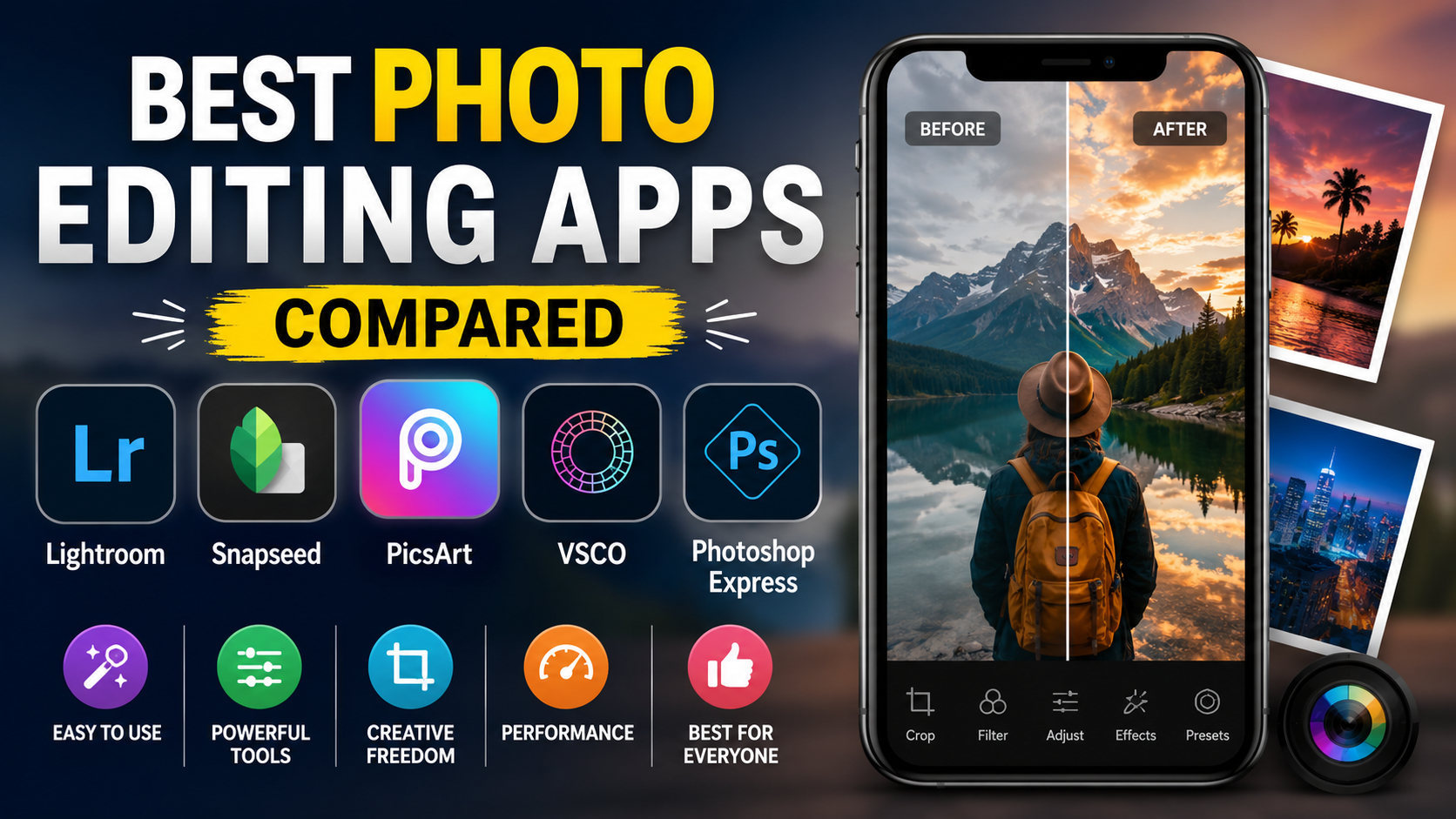
Discover the best photo editing apps compared in detail. Explore features, pros, cons, pricing, and find the perfect editing app for Android, iPhone, Windows, and Mac users.
Best Photo Editing Apps Compared
Photo editing has become an essential part of everyday life. Whether you’re posting pictures on Instagram, creating YouTube thumbnails, editing travel photos, managing an online business, or working as a professional photographer, having the right photo editing app can make a huge difference.
With hundreds of editing apps available, choosing the best one isn’t always easy. Some apps focus on AI-powered editing, while others provide professional-level tools for advanced users. The ideal app depends on your experience, budget, and editing needs.
In this comprehensive guide, we’ll compare the best photo editing apps available in 2026, highlighting their features, pricing, advantages, disadvantages, and the types of users they’re best suited for.
Why Choosing the Right Photo Editing App Matters
A quality editing app helps you:
- Improve image quality
- Adjust lighting and colors
- Remove unwanted objects
- Enhance portraits
- Create social media-ready content
- Save time using AI-powered tools
- Maintain a professional visual style
Instead of using multiple apps, selecting the right all-in-one editor can significantly improve your workflow.
Factors We Considered
Before comparing the apps, we evaluated them based on:
- Ease of use
- Editing tools
- AI capabilities
- Performance
- Export quality
- Platform support
- Pricing
- Cloud synchronization
- Professional features
- Value for money
1. Adobe Lightroom
Best For:
Professional photographers and serious hobbyists
Adobe Lightroom continues to be one of the industry’s leading photo editing applications. It focuses primarily on color correction, RAW editing, exposure adjustments, and photo organization.
Key Features
- Professional color grading
- RAW image support
- AI masking
- Selective editing
- Noise reduction
- Lens correction
- Cloud synchronization
- Presets and profiles
Pros
- Excellent image quality
- Industry-standard editing tools
- Powerful cloud ecosystem
- Works across devices
Cons
- Subscription required for premium features
- Learning curve for beginners
Pricing
Free version available
Premium starts with Adobe Photography Plan.
2. Adobe Photoshop Express
Best For:
Quick professional edits
Photoshop Express is a simplified version of Adobe Photoshop designed for mobile users.
Key Features
- One-touch enhancements
- Blemish removal
- Object removal
- Text overlays
- Filters
- Collage creation
Pros
- Easy interface
- Fast editing
- Good AI features
Cons
- Fewer advanced tools than Lightroom
3. Snapseed
Best For:
Free professional editing
Developed by Google, Snapseed remains one of the best completely free photo editing apps.
Features
- Selective editing
- Curves
- Healing brush
- Perspective correction
- HDR effects
- White balance
- RAW editing
- Professional filters
Pros
- Completely free
- No advertisements
- Powerful editing tools
- User-friendly
Cons
- Limited cloud support
- No desktop version
4. Canva Photo Editor
Best For:
Social media creators
Although Canva is known for graphic design, its photo editing capabilities have improved significantly.
Features
- Background remover
- AI image enhancement
- Templates
- Magic Edit
- Filters
- Text effects
- Branding tools
Pros
- Extremely beginner-friendly
- Excellent for marketing
- Fast editing
Cons
- Limited advanced photo correction
5. PicsArt
Best For:
Creative editing
PicsArt combines standard editing tools with artistic effects and AI features.
Features
- AI image generation
- Stickers
- Background replacement
- Beauty tools
- Filters
- Drawing tools
- Object remover
Pros
- Fun editing experience
- Large creative community
- Numerous templates
Cons
- Frequent advertisements in free version
6. VSCO
Best For:
Minimalist photography
VSCO has become popular among photographers who prefer natural-looking edits.
Features
- Premium filters
- Color grading
- Film simulations
- Exposure controls
- Crop tools
Pros
- Beautiful filters
- Clean interface
- Professional color tones
Cons
- Limited free features
7. Pixelmator Pro
Best For:
Mac users
Pixelmator Pro is one of the strongest alternatives to Photoshop on macOS.
Features
- AI object removal
- Layer editing
- RAW support
- Machine learning enhancements
- Color adjustments
Pros
- One-time purchase
- Excellent performance
- Professional editing
Cons
- Available only for Mac
8. Affinity Photo
Best For:
Professional editing without subscriptions
Affinity Photo has become popular among professionals who dislike monthly subscriptions.
Features
- Layer editing
- HDR merge
- Focus stacking
- Panorama creation
- Frequency separation
- Advanced retouching
Pros
- Affordable lifetime license
- Professional tools
- Fast performance
Cons
- Steeper learning curve
9. Luminar Neo
Best For:
AI-powered editing
Luminar Neo offers impressive AI tools that dramatically reduce editing time.
Features
- Sky replacement
- AI portrait enhancement
- Object removal
- Relight AI
- Background replacement
- Structure AI
Pros
- Saves editing time
- Excellent AI features
- Easy to learn
Cons
- Premium subscription
10. Google Photos Editor
Best For:
Everyday users
Google Photos includes surprisingly capable editing tools.
Features
- AI enhancement
- Magic Eraser
- Portrait blur
- Color adjustments
- Crop
- Auto enhancement
Pros
- Free for many users
- Cloud backup
- Simple interface
Cons
- Limited professional controls
Feature Comparison Table
| App | Best For | Free Version | AI Tools | Professional Editing |
|---|---|---|---|---|
| Adobe Lightroom | Professionals | Yes | Excellent | Excellent |
| Photoshop Express | Quick Editing | Yes | Good | Moderate |
| Snapseed | Free Editing | Yes | Moderate | Very Good |
| Canva | Social Media | Yes | Excellent | Basic |
| PicsArt | Creative Work | Yes | Excellent | Moderate |
| VSCO | Photography | Limited | Basic | Good |
| Pixelmator Pro | Mac Users | No | Excellent | Excellent |
| Affinity Photo | Professionals | No | Moderate | Excellent |
| Luminar Neo | AI Editing | Trial | Outstanding | Excellent |
| Google Photos | Casual Users | Yes | Good | Basic |
Which Photo Editing App Should You Choose?
Beginners
Choose:
- Canva
- Snapseed
- Photoshop Express
These apps are simple, intuitive, and don’t require editing experience.
Professional Photographers
Best options include:
- Adobe Lightroom
- Affinity Photo
- Pixelmator Pro
- Luminar Neo
These provide advanced tools for commercial photography and detailed image editing.
Social Media Creators
Recommended apps:
- Canva
- PicsArt
- VSCO
- Lightroom Mobile
They help create eye-catching content quickly while maintaining image quality.
Android Users
Top choices:
- Snapseed
- Lightroom
- PicsArt
- Canva
iPhone Users
Recommended:
- Lightroom
- Pixelmator (Mac ecosystem)
- VSCO
- Photoshop Express
Tips for Better Photo Editing
Even the best editing app cannot replace good photography. Follow these tips:
- Shoot in natural lighting whenever possible.
- Avoid excessive filters.
- Edit RAW files for better quality.
- Keep skin tones natural.
- Maintain consistent color grading.
- Use AI features carefully.
- Save high-resolution exports.
- Back up your edited photos in the cloud.
Common Mistakes to Avoid
Many beginners over-edit their images. Avoid these common errors:
- Oversaturation
- Excessive sharpening
- Unrealistic skin smoothing
- Too much contrast
- Overusing HDR
- Crooked horizons
- Poor cropping
- Compressing images too heavily
Subtle edits often produce the most professional-looking results.
Future of Photo Editing Apps
AI is transforming photo editing rapidly. Modern applications can now:
- Remove backgrounds instantly
- Replace skies automatically
- Enhance portraits with one tap
- Remove unwanted people
- Restore old photographs
- Improve low-light images
- Generate realistic backgrounds
- Upscale image resolution
As AI technology advances, editing will become even faster and more accessible for users of all skill levels.
Sources
https://snapseed.online/
https://l1nq.com/wx6jhz7
Conclusion
Choosing the best photo editing app depends on your goals and experience. If you’re a professional photographer, Adobe Lightroom and Affinity Photo offer powerful tools for detailed editing. Casual users and beginners may find Snapseed, Canva, or Google Photos more than sufficient for everyday needs. Content creators who rely on social media can benefit from creative apps like PicsArt and VSCO, while those seeking AI-powered automation should consider Luminar Neo.
Before committing to a paid subscription, try the free versions of several apps to determine which interface and feature set best match your workflow. The right photo editing app can save time, improve image quality, and help you produce professional-looking photos with ease.
Frequently Asked Questions (FAQs)
1. Which is the best free photo editing app?
Snapseed is widely considered one of the best free photo editing apps because it offers professional-grade editing tools without advertisements or subscription fees.
2. What is the best app for professional photographers?
Adobe Lightroom remains one of the top choices for professional photographers thanks to its advanced RAW editing, color grading, AI masking, and cloud synchronization features.
3. Which photo editing app is best for social media content?
Canva, PicsArt, and VSCO are excellent options for creating engaging social media posts, stories, thumbnails, and promotional graphics.
4. Are AI photo editing apps worth using?
Yes. AI-powered editing apps can automate complex tasks like background removal, object deletion, portrait enhancement, and sky replacement, making photo editing faster and more efficient.
5. Can beginners use professional photo editing apps?
Absolutely. Many professional apps, including Adobe Lightroom and Photoshop Express, provide beginner-friendly interfaces, tutorials, presets, and automatic editing features that make learning easier.