
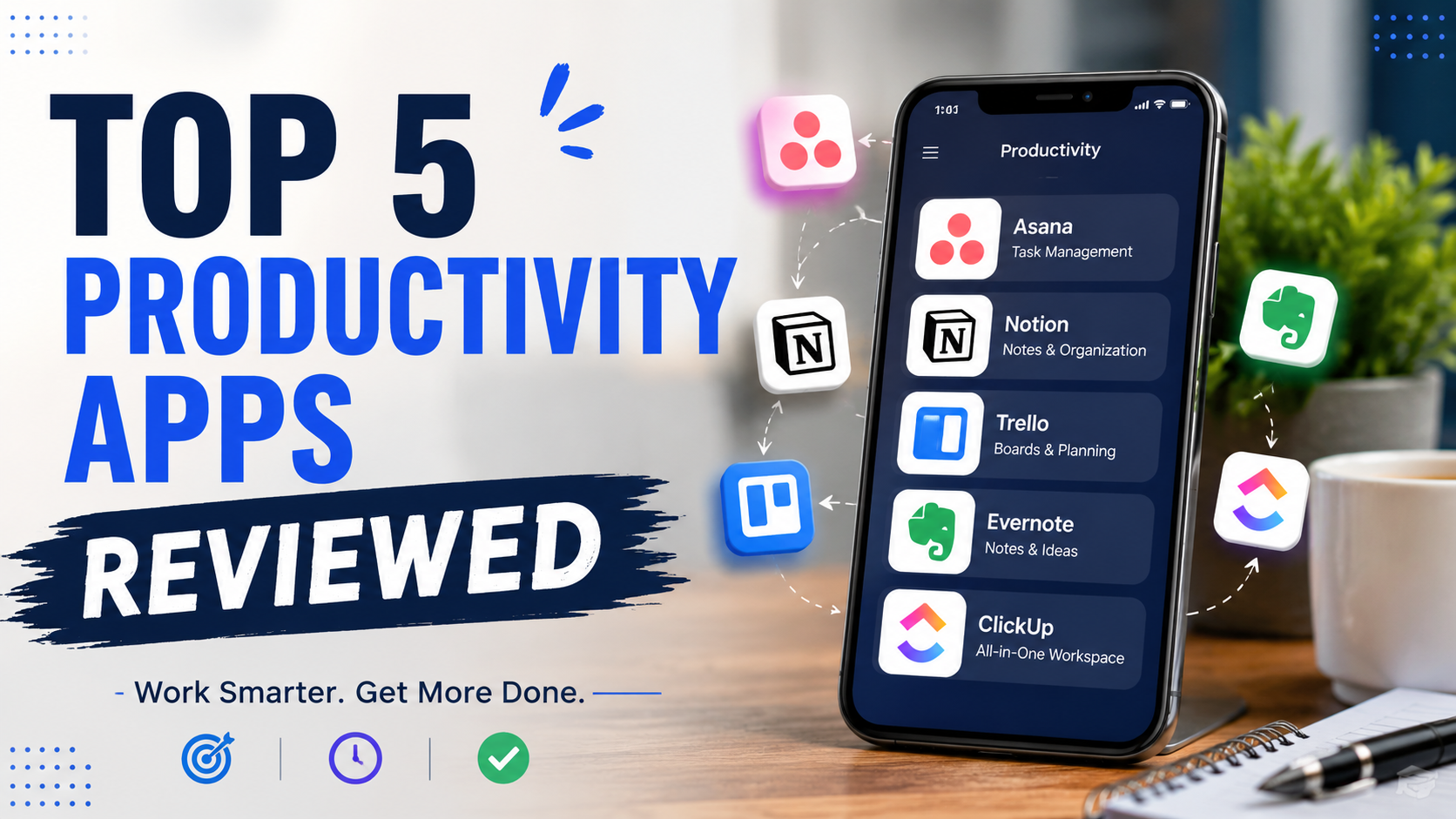
Boost your efficiency with our review of the Top 5 Productivity Apps in 2026. Compare features, pros, cons, pricing, and discover the best productivity app for work, study, and daily task management.
In today’s fast-paced digital world, productivity is no longer about working harder—it’s about working smarter. Whether you’re a student managing assignments, a professional handling multiple projects, or an entrepreneur growing a business, the right productivity app can help you stay organized, save time, and achieve more every day.
With hundreds of productivity tools available, choosing the right one can be overwhelming. Some apps focus on task management, while others excel at note-taking, collaboration, scheduling, or automation. The best productivity apps combine ease of use with powerful features that simplify your workflow.
In this article, we’ll review the Top 5 Productivity Apps in 2026, exploring their features, advantages, disadvantages, pricing, and who should use them. By the end, you’ll know which app best fits your needs and helps maximize your productivity.
Why Productivity Apps Matter
Productivity apps have become essential because they help users:
- Organize daily tasks
- Manage projects efficiently
- Reduce distractions
- Improve collaboration
- Track goals and deadlines
- Save time through automation
- Increase work-life balance
Rather than relying on sticky notes or memory, these apps centralize your work into one organized system.
How We Selected These Apps
Our rankings are based on:
- Ease of use
- Features
- Cross-platform compatibility
- Collaboration tools
- AI capabilities
- Customization
- Pricing
- User experience
- Overall value
1. Notion – Best All-in-One Workspace
Overview
Notion has become one of the most popular productivity platforms because it combines notes, documents, databases, task management, calendars, and AI into one workspace.
Whether you’re managing personal goals or running an entire company, Notion offers incredible flexibility.
Key Features
- AI writing assistant
- Task management
- Notes and documentation
- Project tracking
- Team collaboration
- Templates
- Knowledge management
- Calendar integration
Pros
- Extremely customizable
- Beautiful interface
- Excellent collaboration
- Powerful AI features
- Huge template library
Cons
- Learning curve for beginners
- Large workspaces can become complex
Best For
- Students
- Freelancers
- Teams
- Content creators
- Businesses
Pricing
- Free plan available
- Premium plans available for advanced features
2. Todoist – Best Task Management App
Overview
Todoist is one of the simplest yet most effective task management apps available today.
It helps users organize work using projects, priorities, recurring tasks, reminders, and productivity tracking.
Key Features
- Task lists
- Project organization
- Priority levels
- Labels and filters
- Calendar view
- Productivity tracking
- Natural language input
Pros
- Easy to use
- Fast interface
- Great mobile experience
- Cross-platform synchronization
Cons
- Limited features in free version
- Fewer collaboration tools compared to competitors
Best For
- Personal productivity
- Students
- Busy professionals
Pricing
- Free version available
- Pro subscription for advanced features
3. Trello – Best Visual Project Management Tool
Overview
Trello uses the Kanban board method to organize work visually.
Its drag-and-drop interface makes project management incredibly simple while remaining powerful enough for business teams.
Key Features
- Kanban boards
- Lists and cards
- Automation
- Team collaboration
- File attachments
- Calendar integration
- Templates
Pros
- Very intuitive
- Excellent collaboration
- Visual workflow
- Easy customization
Cons
- Limited reporting
- Can become cluttered with very large projects
Best For
- Small businesses
- Marketing teams
- Project managers
- Remote teams
Pricing
- Free plan available
- Business plans for advanced features
4. Microsoft OneNote – Best Free Note-Taking App
Overview
OneNote remains one of the best digital notebooks for organizing ideas, class notes, research, and meeting information.
It integrates seamlessly with Microsoft Office and Windows devices.
Key Features
- Digital notebooks
- Handwriting support
- Audio recording
- Image insertion
- Cloud syncing
- Microsoft Office integration
Pros
- Completely free
- Great organization
- Rich formatting
- Excellent for students
Cons
- Interface feels dated
- Search can be inconsistent
Best For
- Students
- Researchers
- Professionals
- Teachers
Pricing
Free with a Microsoft account.
5. ClickUp – Best Productivity Platform for Teams
Overview
ClickUp is designed to replace multiple workplace tools by combining project management, documents, chat, goals, dashboards, and AI.
It is one of the most feature-rich productivity platforms available.
Key Features
- Project management
- Task tracking
- Time tracking
- AI assistant
- Goal management
- Dashboards
- Whiteboards
- Team collaboration
Pros
- Highly customizable
- Powerful reporting
- Great automation
- Excellent value
Cons
- Can feel overwhelming initially
- Requires setup time
Best For
- Growing businesses
- Agencies
- Development teams
- Large organizations
Pricing
Free plan available with premium upgrades.
Comparison Table
| App | Best For | Free Version | AI Features | Collaboration |
|---|---|---|---|---|
| Notion | All-in-One Workspace | Yes | Excellent | Excellent |
| Todoist | Task Management | Yes | Good | Good |
| Trello | Visual Projects | Yes | Limited | Excellent |
| OneNote | Note Taking | Yes | Limited | Good |
| ClickUp | Team Productivity | Yes | Excellent | Excellent |
Features to Consider Before Choosing a Productivity App
Before selecting an app, ask yourself:
1. Ease of Use
A simple interface encourages consistent use.
2. Device Compatibility
Ensure it works across Windows, Mac, Android, iPhone, and web browsers.
3. Collaboration
If you work with others, choose apps with strong sharing and communication features.
4. AI Integration
Modern AI features can automate summaries, writing, scheduling, and task creation.
5. Automation
Automating repetitive tasks saves significant time.
6. Customization
Flexible workflows let you adapt the app to your personal or professional needs.
7. Security
Choose apps that provide encrypted cloud storage and strong privacy protections.
Tips to Maximize Productivity with These Apps
To get the most out of any productivity app:
- Plan your day every morning.
- Break large goals into smaller tasks.
- Set realistic deadlines.
- Use reminders for important activities.
- Archive completed projects regularly.
- Avoid creating too many task lists.
- Review your progress weekly.
- Leverage AI tools for repetitive work.
- Sync your calendar with your tasks.
- Keep your workspace organized.
Which Productivity App Is Right for You?
Choose based on your needs:
- Students: OneNote, Notion
- Freelancers: Todoist, Notion
- Remote Teams: ClickUp, Trello
- Business Owners: ClickUp, Notion
- Personal Productivity: Todoist
- Creative Professionals: Notion
- Project Managers: Trello, ClickUp
source
https://l1nq.com/ti74l0d
https://sl1nk.com/8xl2ggf
Conclusion
Productivity apps have transformed the way people organize work, manage projects, and achieve goals. While each app reviewed in this guide offers unique strengths, the best choice depends on your workflow and priorities.
If you’re looking for an all-in-one solution, Notion stands out with its flexibility and AI-powered features. For straightforward task management, Todoist is an excellent option. Teams that rely on visual workflows will appreciate Trello, while Microsoft OneNote remains one of the best free note-taking tools available. Businesses and larger teams seeking advanced project management capabilities should consider ClickUp.
Rather than trying every app at once, start with one that aligns with your needs. Build consistent habits, organize your tasks effectively, and take advantage of automation and AI features to work smarter—not harder.
Frequently Asked Questions (FAQs)
1. Which productivity app is best overall?
Notion is often considered the best all-around productivity app because it combines note-taking, task management, collaboration, databases, calendars, and AI in one platform.
2. What is the best free productivity app?
Microsoft OneNote, Todoist, Trello, ClickUp, and Notion all offer generous free plans suitable for most users.
3. Which app is best for students?
Students benefit most from Notion and Microsoft OneNote due to their excellent note-taking, organization, and study-planning features.
4. Which productivity app is best for teams?
ClickUp and Trello are excellent choices for teams because they provide collaboration, project tracking, automation, and workflow management.
5. Are AI-powered productivity apps worth using?
Yes. AI features can save time by generating content, summarizing notes, automating repetitive tasks, organizing projects, and improving overall efficiency.